|

Tools and Integrations That Work Where You Do.

Seamless deployment, minimal setup, built to scale with your network.

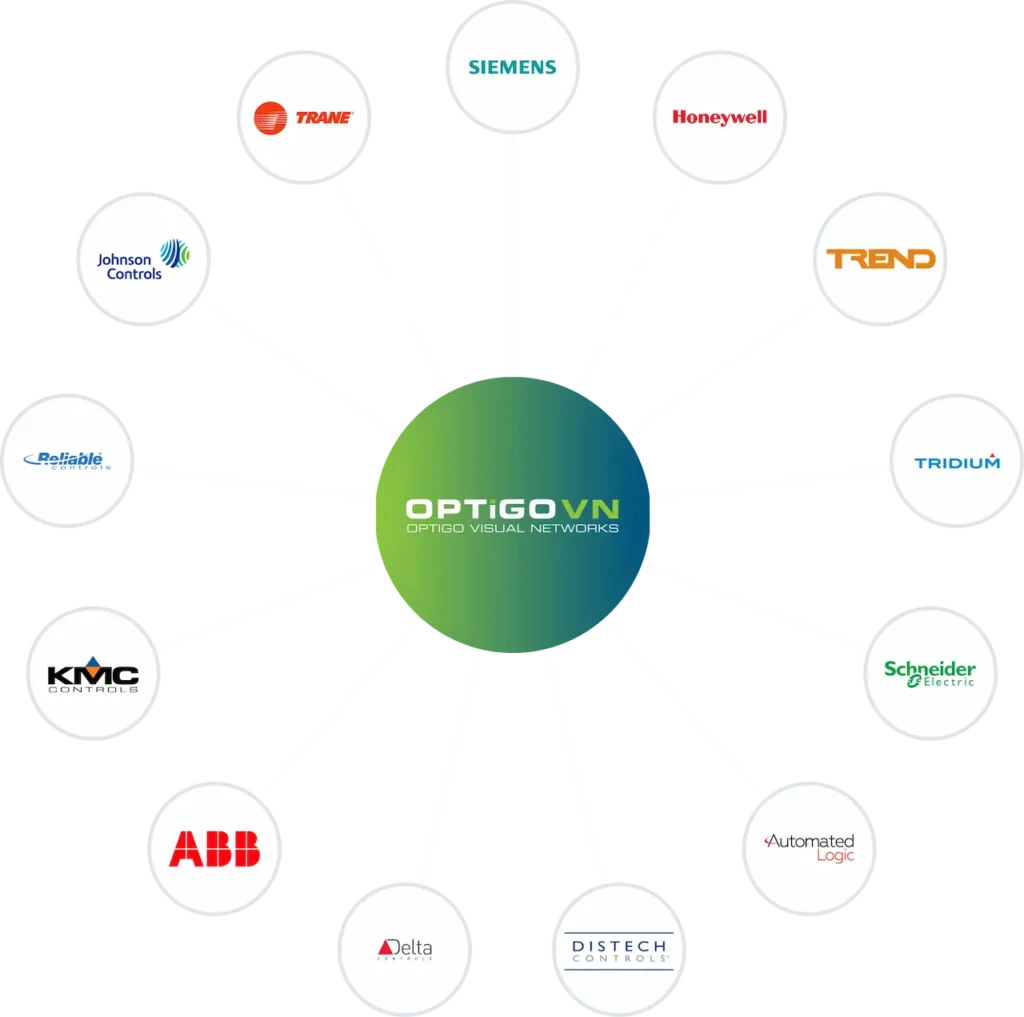
OptigoVN network diagram with major automation brands
OPTIGO VN Optigo Visual Networks logo

BACnet Traffic Capture Tool

Easily capture BACnet/IP, BACnet/Ethernet, and BACnet MS/TP traffic throughout your network and analyze it in OptigoVN, from anywhere, anytime.

Capture Every Packet From Your OT Network

Optigo Networks’ free packet capture software enables continuous monitoring of your OT network for round-the-clock diagnosis and alerting.

Traffic Tool for On-Premise Packet Capture

Ideal for capturing BACnet MS/TP token passing data and detecting flaws with RS-485 wiring.

Create the Best OT Network Captures in Minutes.

Optigo Visual Networks can provide deep insights into not only the overall health of your OT network but also the health of your BACnet devices themselves. 

Getting these insights starts with a really good packet capture (PCAP) file.

See how easy it is to set up BACnet packet captures on any network in just a few minutes with our traffic capture tools, or consult our detailed Software Quick Start Guide.

Download the latest version of the capture tool here.

TRIDIUM logo with red triangle accent

Optigo Traffic Capture Driver for Niagara Stations

Optigo’s capture tool integration with Tridium Niagara enables packet captures directly from JACE controllers, bringing real-time BACnet diagnostics into Niagara environments without messy external hardware or workarounds.

The driver installs directly onto each JACE you want to monitor. It captures BACnet traffic at the source — inside the JACE, below the web services layer — and handles packaging, encryption, and upload to OptigoVN’s cloud servers automatically. No separate capture hardware. No IT dependency. No manual file retrieval.

Configuration is done through the standard Niagara Workbench interface using native Niagara scheduling to define capture windows. Once configured, the driver runs unattended on each JACE. For installation and configuration help, check out our knowledge base. 

Coming soon.

Neeve logo with stylized speed lines

Optigo Traffic Capture Software for Neeve Environments

Optigo Networks’ packet capture tool is available in the Neeve App Marketplace, giving users the ability to deploy the tool instantly within their existing Neeve environment. Available as a one-click install — its the only packet capture and BACnet monitoring solution of its kind in the Neeve application marketplace.

Once installed, the tool automatically uploads data to OptigoVN for device-level diagnostic analysis, delivering deep visibility into both overall OT network health and the health of individual BACnet devices — without the manual processing steps that generic tools require.

Because Neeve is already an IT-approved platform in the environments where it is deployed, applications added through its marketplace — including the Optigo capture tool — inherit that trust. For OT teams, this means deploying the capture tool requires no separate IT approval process; it is hosted within an environment IT has already vetted and cleared.

The Optigo Networks packet capture tool is available now in the Neeve App Marketplace.

Schneider Electric green logo on white background

Traffic Capture from EcoStruxure™ Building Operation (EBO) Software

Users of EBO version 6.0 and above can now run packet captures on Automation Servers (AS-Ps) and manually upload the capture(s) to OptigoVN for analysis.

For more details and and a guided tutorial, visit our knowledge base.

See how OptigoVN can work for you

OptigoVN has been deployed across industries, building types, facility teams, vendors, and integrators. 

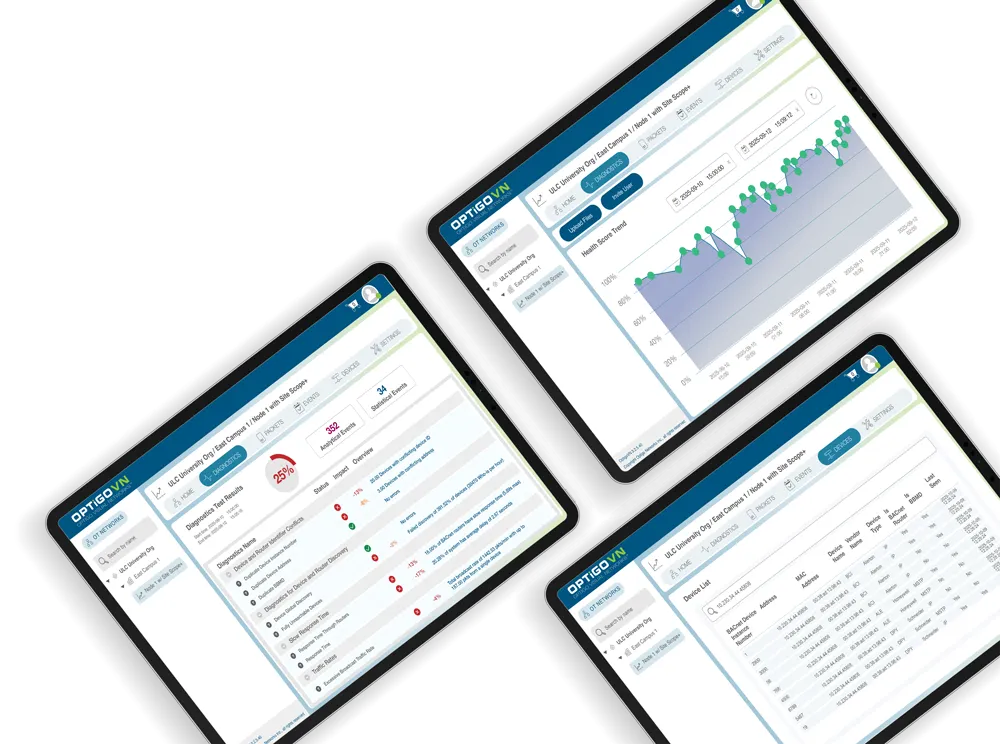
Tablets displaying analytics dashboard with charts and data