
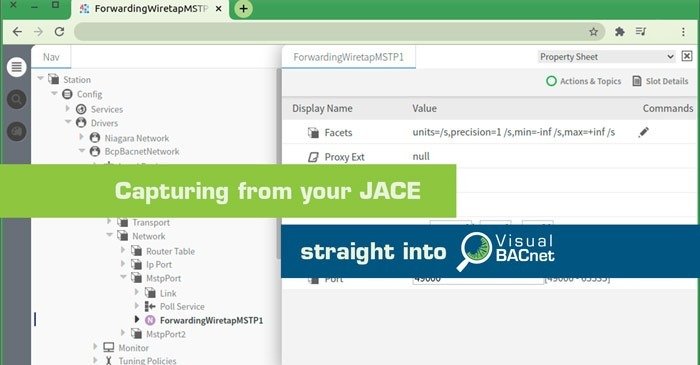
The latest release from Visual BACnet brings huge convenience and time-saving for users with JACE controllers. Now your JACE gives you greater visibility into your BACnet network, allowing you to capture and send data to Visual BACnet for analysis without additional hardware.
This solution means that anyone with a JACE controller can capture the BACnet traffic they need with ease. Whatever BACnet data your controller can access, you can analyze.
To access this new feature, all you need is:
- A JACE running Niagara 4
- Wireshark, or the Visual BACnet Capture Tool for Windows or Linux
- A Visual BACnet account
There’s no additional hardware required, and no need to send anyone on site. This technology allows you to capture BACnet data 100% remotely.
Your JACE controller allows you to direct a stream of traffic, which can then be captured using our Windows or Linux Capture Tool, or Wireshark.
If you capture using the Visual BACnet Capture Tool for Windows or Linux, your file will upload directly to Visual BACnet for analysis and diagnosis.
You can even schedule or trigger captures remotely using the Windows or Linux Capture Tool, streaming from your JACE to Visual BACnet whenever you need.
Learn more about setting up your JACE controller as a capture device.

Visual BACnet will then analyze the upload, diagnosing problems and highlighting areas for improvement. With a Network Health Score attached to the analysis, you’ll know how critical your network issues are.
If you use a Visual BACnet Monitoring account, you’ll even be notified when there’s a sudden drop in your Network Health, so you can quickly respond and fix problems. Monitoring with Visual BACnet is like having an employee dedicated to analyzing your BACnet network 24/7 — but at a fraction of the cost.
Now your JACE is more than a controller: it’s a powerful way to tap in and take control of your BACnet Network Health.