
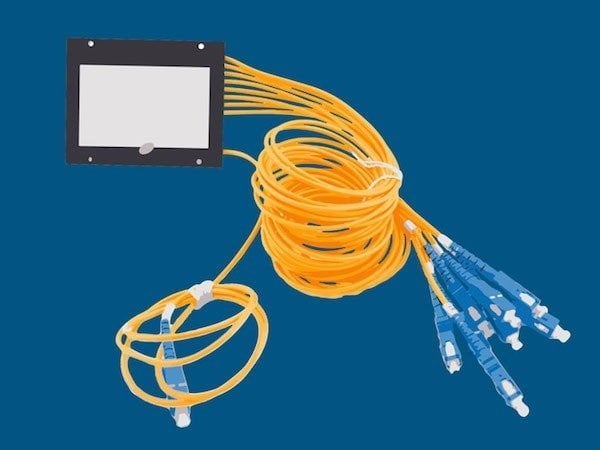
The innovation of Passive Optical Networking, allows us to use these splitters when designing flexible and expandable network topologies, creating fault-tolerant networks, and making efficient use of fiber.

What is Passive Optical Networking?
Passive Optical Networking (PON) is a method for creating point-to-multipoint network architectures. Passive Optical Networking was originally developed by Verizon Fios, to connect homes to telephone, TV, and Internet services.
Fiber optic cabling uses light to transmit signals, and this light can be refracted and split several times over. That means, rather than 10 lines of fiber to connect 10 devices to a switch, you can run a single line of fiber and split where you need.
Where Do Passive Optical Splitters Come Into Play?
Passive Optical Splitters are, quite simply, the components that split the fiber and its signal.
A signal from the Aggregation Switch is sent along a run of fiber. When it reaches a Passive Optical Splitter, the component’s mirrors and glass split the light into two, three, or more fiber strands.
These are completely passive networking components, requiring no power, climate control, or maintenance whatsoever. They will continue working until they’re physically impacted.
Why choose Passive Optical Networking?
- Fiber optic cabling provides high-speed connectivity. With PON, it’s possible to use this fiber efficiently without sacrificing the quality of the communications.
- Splitting fiber makes the network flexible and expandable, so the network can grow over time without using up ports or running lots more lines of fiber.
- It is easy to factor in redundancy using Splitters, increasing fault tolerance through Aggregation Switch (99.9% uptime) or Path Redundancy (99.99% uptime).
Those are Passive Optical Splitters in a nutshell! Be sure to watch our short explainer video on Passive Optical Splitters, and contact us with any questions about designing a network with Optigo Connect.