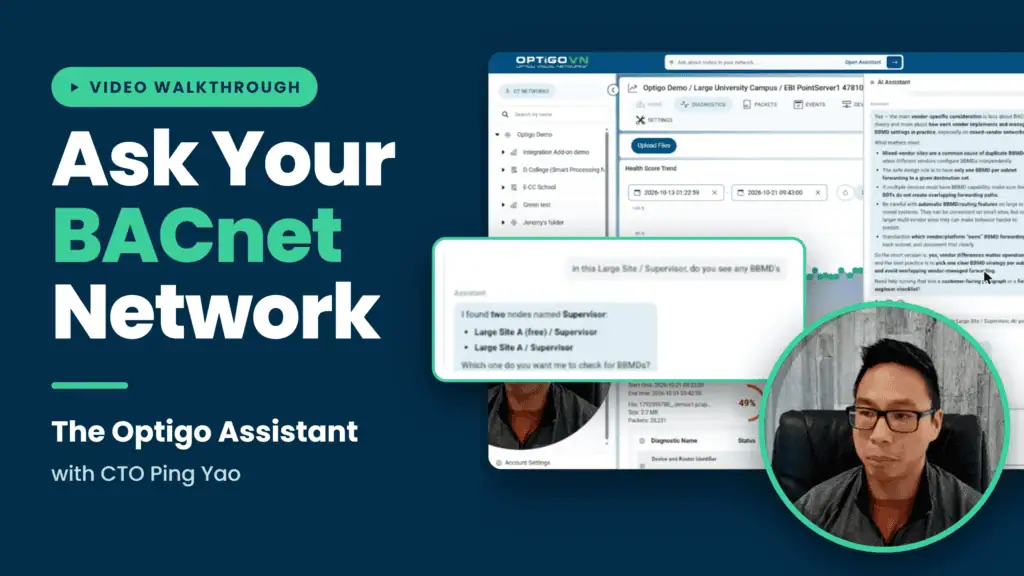
Take a walkthrough of some of the features in the new Optigo AI Assistant, led by Optigo Networks Co-Founder, CTO, and brains behind the Assistant, Ping Yao.

What’s the Optigo AI Assistant?
The Optigo AI Assistant is a plain-language troubleshooting layer built into OptigoVN. Users can ask questions about any diagnostic result, such as “what am I looking at?” or “how many OT networks do we actually have?”, and get back the root cause, fixes drawn from Optigo’s library of documented resolutions, and client-ready output: punch lists, summary reports, and emails to integrators or building owners. After a fix, it reads a follow-up capture to confirm whether the issue cleared.
The Assistant runs on OpenAI’s GPT-5.4 for language, but its answers come from a vector database of Optigo’s internal documentation, recorded troubleshooting sessions on real networks, and documented fixes, along with the user’s own OptigoVN results. Why Optigo Didn’t Just Bolt a Chatbot Onto OptigoVN covers this architecture and the Assistant’s limits: it won’t invent devices, it won’t make judgment calls, and it can’t change anything on the network. 9 Questions to Ask the OptigoVN Assistant About Your Network walks through practical prompts, including telling BACnet/IP faults from MS/TP faults and identifying which BACnet router is causing a problem.
The Assistant is included on OptigoVN Solution plans and above, with a 7-day free trial and no credit card required.